ReleaseSeal
Source Evidence & Authenticity Layer
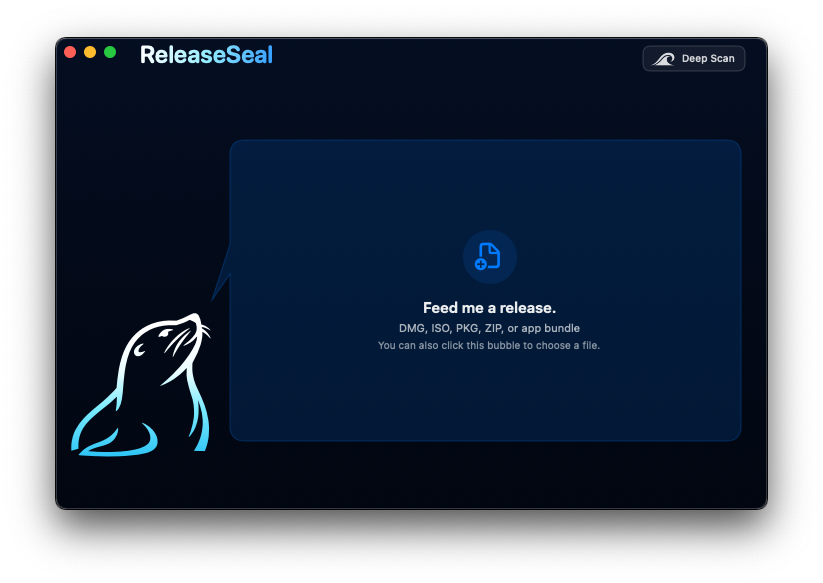
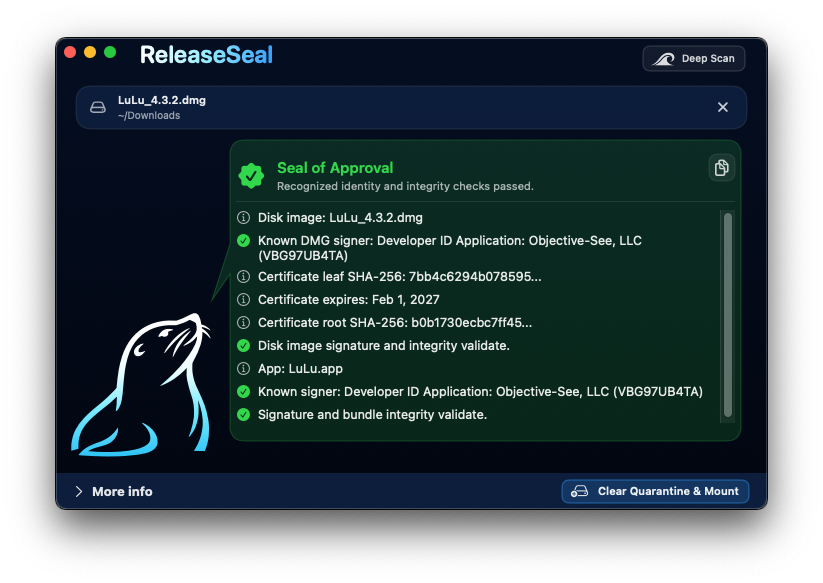
ReleaseSeal reads DMG, ISO, PKG, ZIP, and app artifacts. It reports container hashes, code-signing validity where available, certificate fingerprints, exact-artifact matches, database-defined checks for tracked files, and known compromised hashes. Scanned software is never executed during inspection.
- System
- macOS 12 (Monterey) or later
- Architecture
- Universal 2 (arm64 and x86_64)
Output
Result classification
Each scan reports one of four states. The state describes observed identity and integrity evidence. It is not a malware-analysis verdict.
| State | Meaning |
|---|---|
| Seal of ApprovalRecognized | Recognized identity or exact-artifact evidence matched, and applicable outer integrity checks passed. |
| Seal is brokenIntegrity failure | Signed content changed or failed its integrity check. Affected evidence is reported where possible. |
| Unknown WatersUnrecognized | Evidence may validate, but the identity is not recognized or no verifiable identity is available. |
| Known Bad CatchCompromised | A certificate or artifact hash matched reviewed compromised or revoked evidence. |
Inspection
Checks performed
Container evidence and internal code-signing evidence are reported separately.
- Container layers
- DMG, ISO, PKG, ZIP, and app layers are identified and reported independently.
- Certificate identity
- Leaf and root SHA-256 fingerprints are compared with reviewed signer records.
- Signature integrity
- macOS checks whether signed bundle contents still match the signature seal.
- Exact artifacts
- Complete DMG, ISO, PKG, and ZIP files can match reviewed SHA-256 records byte for byte.
- Compromised evidence
- Reviewed MD5, SHA-1, and SHA-256 compromise records take precedence over positive matches.
- Tracked files
- Selected filenames can receive additional file-type, size, and hash checks wherever they are found.
Command line
CLI
The application bundle includes the releaseseal command-line binary. Its symlink can be installed from the ReleaseSeal application menu.
Text, verbose, JSON, and candidate-JSON output are available. JSON scan reports include structured outer-seal scope. Candidate output records unknown evidence without modifying the database.
Command-line documentation$ releaseseal "$HOME/Downloads/release.dmg"
$ releaseseal --deep --verbose "release.dmg"
$ releaseseal --json "release.pkg" > report.json
$ releaseseal --candidate-json "release.zip"
$ releaseseal --versionDistribution
Release verification
The DMG, checksum, and public signing certificate are attached to the same GitHub Release.
$ shasum -a 256 ReleaseSeal-1.3.0-29.dmg
bbc809f9e77e660669441b40043356f542477e449f23a85894bf96d7cea3eb7c- Signing identity
- SEAL TEAM WORLDWIDE
- Certificate SHA-256
- 5b3320483fc79448…206b333
- Database version
- 2026.08.20.1
- Database SHA-256
- e5c38603d3c8…50372df3